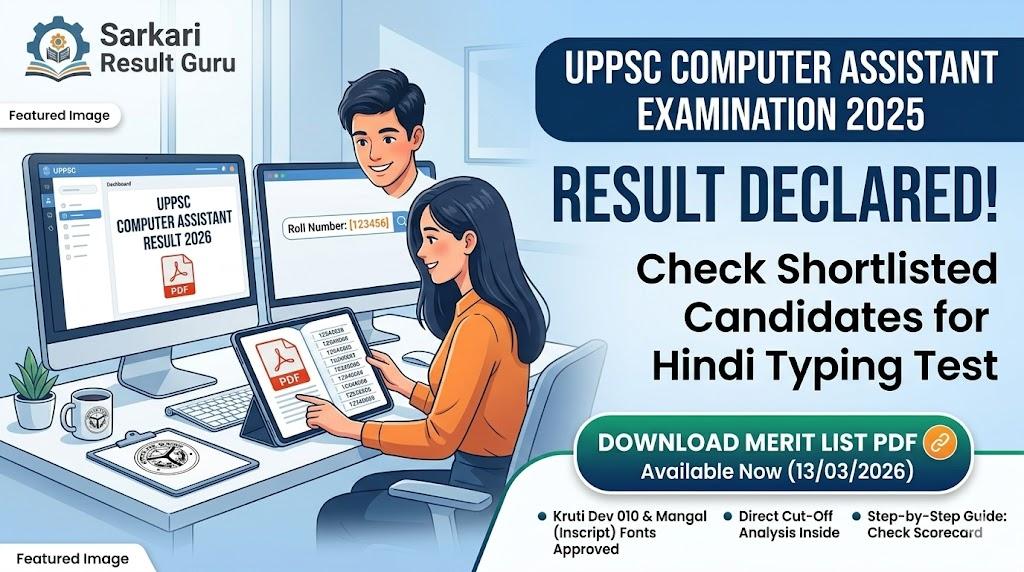
UPPSC Computer Assistant Result 2026 has been officially declared on March 13, 2026. Candidates who appeared for the exam can now download the merit list and scorecard from the official website.
The Uttar Pradesh Public Service Commission (UPPSC) has officially announced the UPPSC Computer Assistant Result 2026 on March 13, 2026. This result includes the list of candidates shortlisted for the Hindi Typing Test. Candidates can check their qualifying status and download the official merit list PDF directly from the portal.
Sarkari naukri ki taiyari kar rahe dosto, aapka intezaar ab khatam ho gaya hai! UPPSC ne Computer Assistant 2025 recruitment ka final result (written stage) jaari kar diya hai. Kya aapne apna result check kiya? Agar nahi, toh bilkul deri na karein kyunki typing test ki dates bhi jald hi announce hone wali hain.
Aapko apna roll number aur registration ID taiyar rakhni chahiye. Niche diye gaye steps ko follow karke aap apna scorecard aur merit list download kar sakte hain. Yaad rakhein, yeh result aapki mehnat ka phal hai, isliye ise dhyan se check karein aur aage ki typing practice shuru kar dein.
Exam Conducted By: Uttar Pradesh Public Service Commission (UPPSC)
Exam Name: Computer Assistant (UPPSC) Examination 2025
Result Status: Declared / Available Now (13/03/2026)
Typing Font: Kruti Dev 010 and Mangal (Inscript)
Event Description | Date |
|---|---|
Notification Release Date | 01/07/2025 |
Last Date to Apply Online | 01/08/2025 |
Written Exam Date | As per Schedule (2025) |
Typing Font Notice Date | 24/02/2026 |
Result Declaration Date | 13/03/2026 |
Dosto, UPPSC Computer Assistant exam ka level is baar moderate to difficult raha tha. Commission ne 24 February 2026 ko ek vishesh notice jaari kiya tha jisme typing font ko lekar badi update di gayi thi. Ab candidates Kruti Dev 010 ke saath-saath Mangal (Inscript) font ka bhi upyog kar sakte hain. Yeh ek bahut bada relief hai un students ke liye jo Mangal font par practice karte hain.
Hamari analysis ke mutabiq, is baar competition kafi high tha. Agar aapka naam merit list mein hai, toh aapko bina samay gawaye apni typing speed par focus karna chahiye. 25 words per minute (wpm) ki speed mandatory hai, lekin safe side rehne ke liye aapko 30-35 wpm ki practice karni chahiye. Result Guru team ki taraf se sabhi qualify hone wale candidates ko bahut-bahut badhai!
Follow these detailed steps to access your UPPSC Computer Assistant Result 2026 without any technical glitches:
Sabse pehle UPPSC ki official website par jayein: uppsc.up.nic.in.
Homepage par 'Information Bulletin' section ko dhundein.
Wahan aapko 'Result of Computer Assistant Exam 2025' ka link dikhega, uspar click karein.
Ek naya PDF page open hoga jisme qualified candidates ke Roll Numbers honge.
Aap Ctrl+F dabakar apna Roll Number search kar sakte hain.
Agar aapko scorecard dekhna hai, toh 'Candidate Help Desk' par click karein.
'View Marks/Result' option ko select karein.
Apna Registration Number, Date of Birth, aur Gender fill karein.
Captcha code enter karke 'Proceed' button par click karein.
Aapka detailed result screen par dikhayi dega.
Ise download karein aur future reference ke liye printout nikal lein: Download Result Now.
UPPSC Computer Assistant Cut Off 2026 is baar pichle saal ke muqable thoda high gaya hai. General category ke liye cut-off marks 145-152 ke beech rehne ka anuman hai (out of 200). OBC candidates ke liye yeh 140-146 ke range mein ho sakta hai. SC/ST categories ke liye cut-off mein thodi girawat dekhi gayi hai, jo ki 125-135 ke beech settle ho sakti hai.
Pichle saal (2022-23 cycle) ki baat karein toh cut-off lagbhag 5-7 marks kam tha. Is baar vacancies ki sankhya aur paper ke pattern ne cut-off ko upar dhakela hai. Candidates ko dhyan dena chahiye ki yeh cut-off sirf written exam ka hai. Final selection typing test ke marks (agar applicable ho) aur document verification ke baad hi hoga. Agar aapka score cut-off ke borderline par hai, toh typing mein excel karna aapke liye bahut zaroori hai.
Result download karne ke baad, niche di gayi details ko dhyan se check karein:
Candidate Name: Spelling mistake nahi honi chahiye.
Roll Number: Aapke admit card se match karna chahiye.
Category: Check karein ki aapki category (Gen/OBC/SC/ST) sahi mention hai ya nahi.
Sectional Marks: Har subject mein kitne marks mile hain.
Qualifying Status: 'Qualified for Typing Test' likha hona chahiye.
Agar aapko lagta hai ki result mein koi error hai ya aapke marks calculate karne mein galti hui hai, toh aap UPPSC ke helpline number par sampark kar sakte hain ya Prayagraj office mein representation de sakte hain.
Jaisa ki 24 February 2026 ke notice mein bataya gaya tha, UPPSC ab candidates ko do options de raha hai. Pehla option Kruti Dev 010 hai, jo ki UPPSC ka traditional font raha hai. Dusra option Mangal Inscript hai. Dhyan rakhein ki Mangal font ke liye sirf Inscript layout hi allow kiya jayega, Remington (GAIL) nahi. Isliye apni practice usi hisab se karein.
Resource Name | Direct Link |
|---|---|
Download Result PDF | |
Check Scorecard / Marks | |
Official Website | |
Typing Font Official Notice |

Uttar Pradesh Police Recruitment and Promotion Board (UPPRPB) has officially released the UP Police SI ASI Final Result 2026 for 921 vacancies. Candidates who appeared for the Typing and Steno tests can now check their selection status and category-wise cut-off marks.
Looking for the UPPSC PCS 2026 Exam Pattern? Get a detailed breakdown of the Prelims, Mains (including GS Paper V & VI), and Interview stages here.
UPPSC Technical Education Principal Exam Date 2026 has been announced for 21 vacancies. Candidates can download their UPPSC Principal Admit Card 2026 from the official website using their registration details. Check the full schedule and exam day guidelines here.
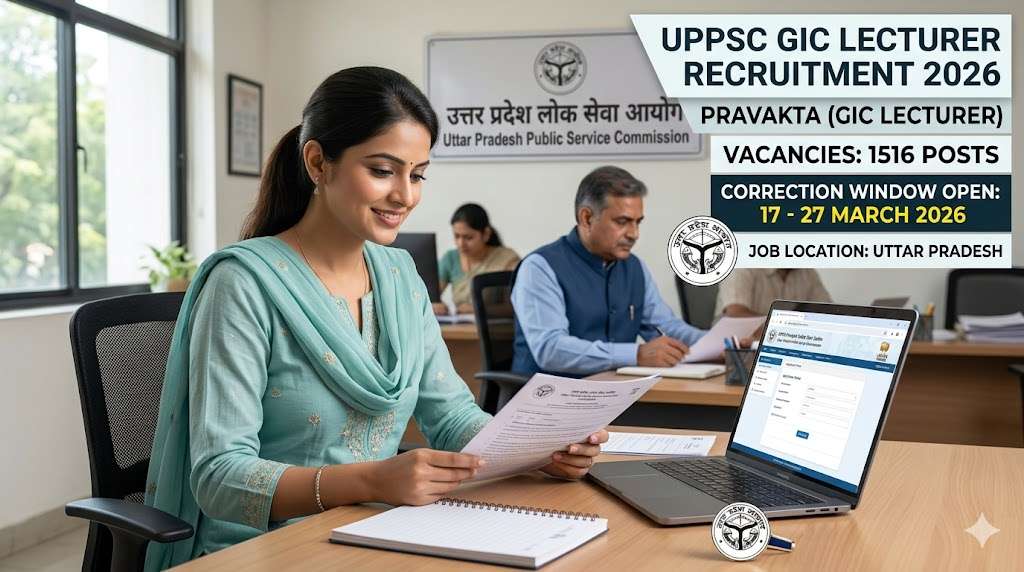
UPPSC GIC Lecturer Recruitment 2026: The correction window for 1516 Lecturer posts is now active. Candidates can modify their application forms from 17th to 27th March 2026. Check full details on eligibility, subjects, and selection process.